 azamzam.ai
Understanding MCP — a free developer's guide to the Model Context Protocol
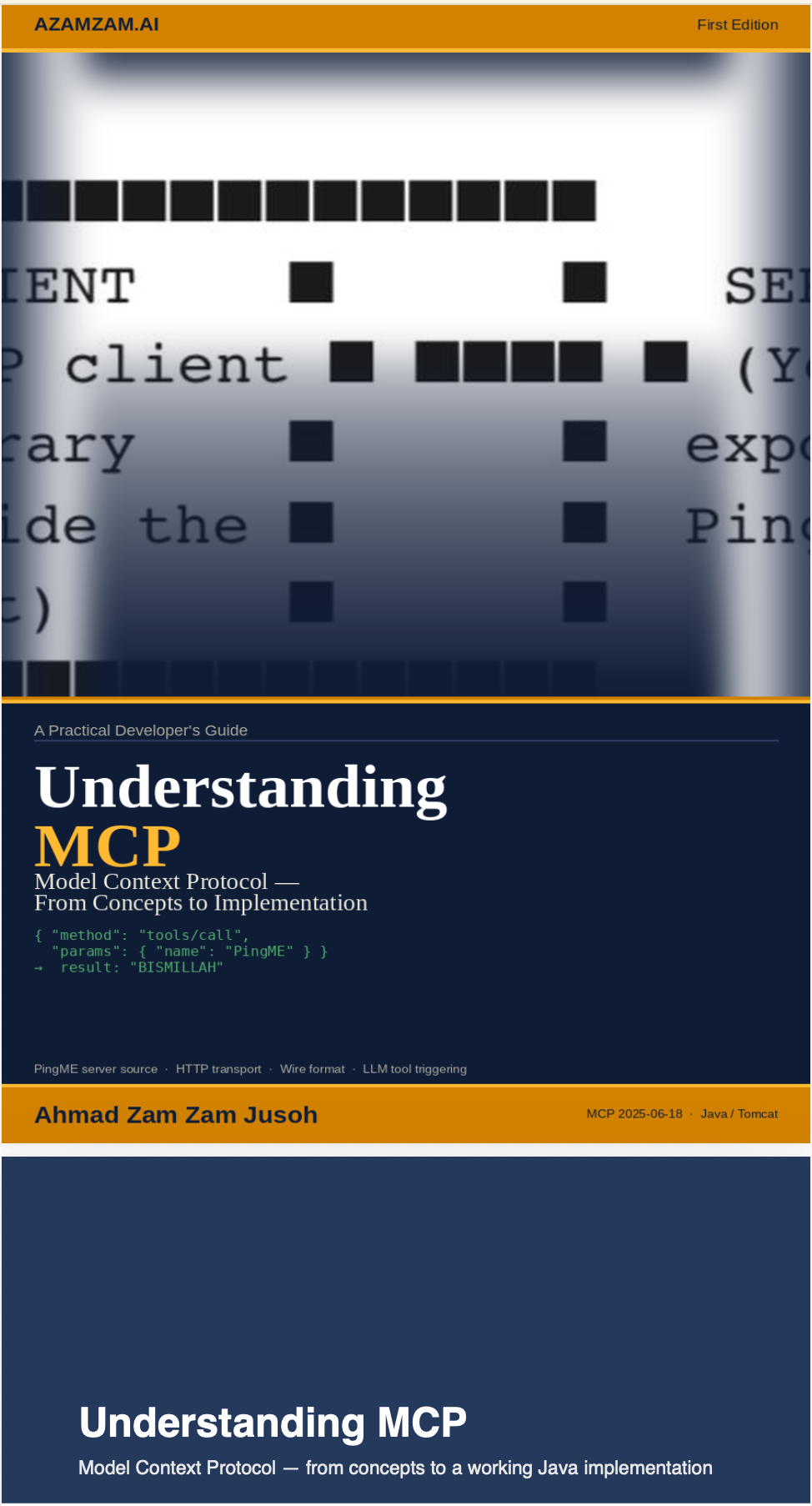
I wrote a short ebook on the Model Context Protocol — the Anthropic standard that lets LLMs call your tools over HTTP. It builds a working server from scratch in Java on Tomcat, with no framework dependencies beyond Jackson. Free to download below.
Why I wrote it
MCP is one of those specifications that looks deceptively simple on the surface — a few JSON messages over HTTP — but rewards careful study. Once you understand what is really happening at each step, a whole class of AI integration problems suddenly has a clean, standard solution. Most of the material I found online either skimmed the surface ("MCP is USB-C for AI") or assumed a TypeScript SDK and a Node runtime. I wanted a guide that built the thing from raw bytes upward, in a JVM stack, so a Java developer could read it and immediately wire MCP into the systems they already maintain.
The other reason: writing it forced me to answer the questions I had been hand-waving past. Why is there no output schema? What does the host actually do with the tool result before the model sees it? How does the LLM decide to call a tool in the first place? The ebook is the answer to my own questions, written down so the next person does not have to chase them.
What is inside
The guide moves from concepts to protocol to code to production concerns, in that order. Each part builds on the one before it.
- Part 1 — What is MCP, really? The three roles (host, client, server), the primitives a server can expose (tools, resources, prompts), the JSON-RPC 2.0 message shape, and a tour of three real-world use cases: corporate document search, natural-language business reporting, and live transactional record lookup.
- Part 2 — How HTTP MCP works. The Streamable HTTP transport, the single
/mcpendpoint, the handshake lifecycle, the four methods that matter (initialize,notifications/initialized,tools/list,tools/call), and the wire format for each. - Part 3 — Implementation. A complete Java servlet on Tomcat 10 — project structure,
pom.xml,web.xml, the servlet itself, walked through line by line. No Spring Boot, no SDK. Just servlets and Jackson. - Part 4 — Build, deploy, test. Maven build, Tomcat deploy,
curlcommands to exercise each method, and how to connect the running server to Claude.ai as a remote MCP integration. - Part 5 — Why no output schema? The design decision that surprises every newcomer: tools declare an
inputSchemabut not an output schema. The chapter explains why, and what the optionaloutputSchemais for when you do want structured results. - Part 6 — What happens to the result? The full lifecycle of a tool result from MCP server back to the LLM — what the host translates, what the model sees, and where you can intercept.
- Part 7 — How the LLM decides to call a tool. Trained behaviour, the tool description as trigger, the
tool_choiceparameter, worked examples from Claude.ai and Claude Code, and concrete guidance on writing tool descriptions that trigger reliably.
The teaching example: PingME
Every concept in the guide is demonstrated against a deliberately tiny use case: a single tool called PingME that takes no arguments and returns the magic word BISMILLAH. That is the entire business logic. The point is not the tool — the point is the protocol around it. Real production tools add parameters, database calls, authentication, and error handling on top of exactly the same skeleton, and the guide is honest about which parts of that skeleton change and which stay identical.
Who it is for
If you are a Java developer who has heard MCP mentioned in meetings and wants to understand the wire-level reality without committing to a framework, this is for you. The implementation uses Java 17 with the Jakarta Servlet API and assumes basic HTTP knowledge (you know what a POST is, you know what JSON looks like). You do not need prior MCP knowledge — the guide builds the protocol from scratch — and you do not need to know how language models are trained. A working mental model of "the model reads text and produces text" is enough.